Digital & Online · $0.99 PDF guide

Building a Profitable YouTube Channel

A 2026 business guide to niche selection, the YouTube Partner Program (including the February 2027 threshold changes), production on a budget, YouTube SEO, sponsorships, products, taxes and a 90-day launch plan

14 chapters · about 9,970 words (~33 pages) · instant PDF download · by Omer Muneer Qazi
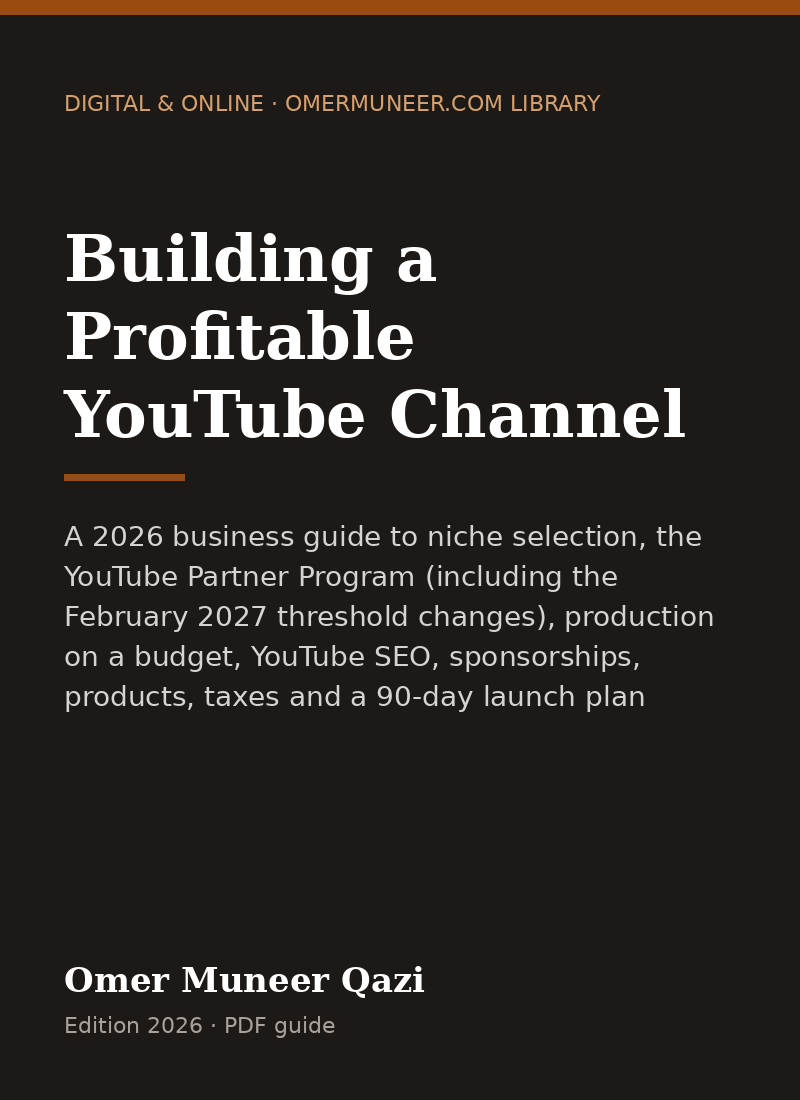
Cover of Building a Profitable YouTube Channel

What this guide helps you do

  • Choose a niche and format that can actually earn.
  • Understand YPP thresholds, revenue shares and the 2027 changes.
  • Build a production system you can sustain every week.
  • Earn from sponsors, affiliates and your own products, not just ads.
  • Handle taxes, copyright and FTC disclosure correctly.

Table of contents

  1. Chapter 1: Is a YouTube Channel Business Right for You?
    • Three ways a channel makes money
    • What it really takes
    • Faceless and AI-assisted channels
    • Chapter 1 checklist
  2. Chapter 2: Choosing a Niche and Channel Strategy
    • The niche scorecard
    • Advertiser value varies by niche
    • Finding demand
    • Positioning: who it is for and why you
    • Formats that build a business
    • Channel name and branding
    • Chapter 2 checklist
  3. Chapter 3: Startup Costs and Equipment
    • Three starting budgets
    • Where to spend first
    • Monthly operating costs
    • A budget worksheet
    • Chapter 3 checklist
  4. Chapter 4: Legal Setup, Taxes, Copyright and Disclosure
    • Business structure
    • Local licences
    • Getting paid by YouTube and taxes
    • Copyright: what you can and cannot use
    • Disclosure: sponsorships and affiliates
    • Children's content and COPPA
    • Contracts and releases
    • Chapter 4 checklist
  5. Chapter 5: The YouTube Partner Program in 2026 (and the 2027 Changes)
    • Basic requirements to join
    • Eligibility thresholds today (until January 31, 2027)
    • The February 1, 2027 change for new creators
    • What "qualified" means
    • How revenue sharing works
    • Applying and the review
    • Common reasons channels are rejected
    • Advertiser-friendly guidelines
    • Chapter 5 checklist
  6. Chapter 6: Content Planning and Scripting
    • Build an idea bank
    • Packaging before production
    • The script structure that holds attention
    • Sample script template
    • Scripted, outlined or improvised
    • Using AI tools responsibly
    • Publishing cadence
    • Chapter 6 checklist
  7. Chapter 7: Production: Filming, Audio, Editing and Thumbnails
    • Filming basics
    • Audio essentials
    • Editing workflow
    • Thumbnails that get clicked
    • Upload checklist (every video)
  8. Chapter 8: YouTube SEO and How Recommendations Work
    • Where views come from
    • The two numbers that matter most
    • Optimising a search video
    • Building topic clusters
    • Shorts strategy
    • Community posts, playlists and the channel page
    • Chapter 8 checklist
  9. Chapter 9: Revenue Streams Beyond Ads
    • The revenue stack
    • Worked example: a mid-size tutorial channel
    • Affiliate marketing
    • Your own products
    • Memberships, Super Thanks and Shopping
    • Build an email list from day one
    • Chapter 9 checklist
  10. Chapter 10: Sponsorships: Rates, Pitching and Contracts
    • How sponsors price integrations
    • Your media kit
    • Pitch email template
    • Sponsorship agreement essentials
    • Invoice template
    • Chapter 10 checklist
  11. Chapter 11: Analytics and Growth
    • The weekly review (30 minutes)
    • Diagnosing a video
    • Growth levers in order of impact
    • A simple experiment log
    • Chapter 11 checklist
  12. Chapter 12: Hiring a Team and Running Operations
    • What to hand off first
    • Typical freelance rates (US market, 2026, wide variation)
    • Hiring process
    • Channel access and security
    • Production calendar
    • Bookkeeping
    • Chapter 12 checklist
  13. Chapter 13: Your 30/60/90-Day Launch Plan
    • Days 1 to 30: Foundations
    • Days 31 to 60: Rhythm
    • Days 61 to 90: Double down
    • Your first-year milestones
  14. Chapter 14: Common Mistakes and Final Checklist
    • Mistakes that stall channels
    • Final checklist

Who it is for

  • New creators planning a channel to earn income.
  • Business owners using YouTube to win customers.
  • Creators stuck below the monetization thresholds.

Free sample · chapter 1 in full

A YouTube channel can be a hobby, a marketing channel for another business, or a business in its own right. The work looks similar from the outside, but the goals, the metrics and the decisions are different. Decide which one you are building before you film anything.

Three ways a channel makes money

1. The channel is the product. You earn from ads, YouTube Premium revenue, sponsorships, memberships and affiliate links. Income tracks views and audience trust. This is the classic "YouTuber" model, and it is the slowest to pay.

2. The channel sells your own products. The videos attract an audience that buys a course, a template pack, software, a physical product or coaching. Views matter less than the right viewers. A channel with 8,000 subscribers in a narrow professional niche can out-earn a channel with 500,000 subscribers in general entertainment.

3. The channel markets a service business. A roofer, a lawyer, an accountant or a software consultant publishes videos that answer customer questions. One booked job can be worth more than a year of ad revenue. Monetization through YPP is a bonus, not the goal.

ModelMain incomeViews needed to matterTime to first dollarBest for
Media channelAds, sponsors, affiliatesHigh6 to 24 monthsEntertainers, educators, reviewers
Product channelCourses, digital goods, SaaS, merchLow to moderate1 to 6 monthsExperts, makers, software founders
Service marketingLeads and booked jobsLowWeeks to monthsLocal and professional services

Most successful channels end up as a blend. A cooking channel earns ad revenue, sells a recipe e-book, and takes a few sponsorships a year. Plan the blend from the start, so every video has a job beyond "get views".

What it really takes

  • Consistency over months. Plan for at least 50 to 100 videos before judging whether a format works. Many channels that eventually succeed had a slow first year.
  • Skills you will need to learn or hire: scripting, on-camera delivery or voiceover, editing, thumbnail design, title writing, basic analytics and business administration.
  • Time per video: a simple talking-head tutorial can take 4 to 8 hours from idea to upload; a researched, heavily edited documentary-style video can take 20 to 60 hours.
  • Emotional resilience. Public comments, flat videos and algorithm swings are normal. Treat each video as a test, not a verdict on you.

Tip: Write down your reason for starting and the one metric you care about most in year one (for example, "email subscribers from viewers" or "booked consultations", not just "subscribers"). It keeps you from chasing vanity numbers.

Faceless and AI-assisted channels

Channels that never show a face (screen recordings, animation, stock footage with voiceover, hands-only demonstrations) can work well, especially for software tutorials, finance explainers, history and relaxing content. AI tools can help with research, scripts, voice and editing. Be careful, though:

  • YouTube's monetization policies exclude content that is mass-produced, repetitive or reused without significant original value. Channels built by pasting AI scripts over stock clips, with little original commentary, risk being refused or removed from YPP.
  • YouTube requires creators to disclose realistic altered or synthetic content (for example, a realistic depiction of a real person saying something they did not say) using the disclosure setting in YouTube Studio.
  • Viewers can tell. Original insight, real testing and a recognisable voice remain your advantage.

Chapter 1 checklist

  • Decide whether the channel is the product, sells your product, or markets your service
  • Write your one-year primary metric
  • Block a realistic weekly time budget (for example, 10 hours)
  • Decide whether you will appear on camera, use voiceover, or both
  • Commit to a minimum test of 50 videos or 12 months before major changes

Keep reading in the full guide.

Buy the PDF — $0.99

Free guide

Read first: YouTube Partner Program Requirements in 2026 (and the February 2027 Changes)

Current YPP requirements: 500 and 1,000 subscriber tiers, watch hours, Shorts views, the 8,000-hour rule from February 2027, and how to plan your channel now.

Read the free article →

Frequently asked questions

How many subscribers do you need to monetize on YouTube in 2026?

Fan funding and Shopping features open at 500 subscribers with 3 recent public uploads and either 3,000 watch hours or 3 million Shorts views. Ad revenue sharing requires 1,000 subscribers plus 4,000 watch hours in 12 months or 10 million Shorts views in 90 days, for applications before February 1, 2027.

What changes in February 2027?

YouTube announced that from February 1, 2027, new creators applying for ad and Premium revenue will need 1,000 subscribers plus 8,000 qualified watch hours in the last 365 days or 20 million qualified Shorts views in the last 90 days. Creators already in YPP are not affected by the new entry thresholds.

Do Shorts watch hours count toward the 4,000 hours?

No. Watch time from Shorts in the Shorts Feed does not count toward the long-form watch hour threshold. Shorts have their own qualified views threshold.

What do I get for $0.99?

A downloadable PDF of the complete guide, including every chapter, checklist, worksheet and template listed in the table of contents. There is no subscription.

How is the PDF delivered?

Checkout is handled by a secure payment provider. Your download link appears right after payment and is also sent to the email address you enter at checkout.

Can I get a refund?

Yes. If the file is defective or not what was described, email within 14 days of purchase and you will get a refund. See the refund policy for the details.

Related guides

Digital & Online

How to Build a Blog and Make Money

Choosing a niche, WordPress vs static vs Ghost, a repeatable content system, Google AdSense approval and policies, affiliate income, digital products, and an email list (2026 edition)

Enquire to buyBuyDetails →
Digital & Online

Building and Selling a Micro-SaaS

A practical 2026 guide for solo founders: finding and validating a niche software idea, building it with AI coding tools, Stripe subscription billing, pricing, SaaS sales tax and privacy, getting the first 100 customers, and selling the business

Enquire to buyBuyDetails →

Get the full plan for $0.99

Every chapter, checklist, worksheet and template in one PDF. Read it tonight, act on it tomorrow.

Buy the PDF — $0.99

General information, not legal, tax or financial advice. Rules vary by state. See the disclaimer and refund policy.